GIMP Dither Brush
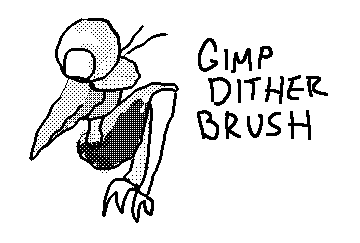
How to use dither brushes in GIMP.
Normally it is impossible to use dither brushes in GIMP in the same way they work in traditional monochrome drawing programs. The brush will not respect a grid, and the pixels will be placed unequally over each other. The traditional placement can be recreated with the clone tool.
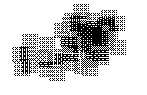
This tutorial uses a brush set that I converted to patterns. The original author of the brush set can be found here. The patterns used in this guide can be any .png file, so you can easily create your own.
How
Download the pattern set.
Extract the archive to a directory.
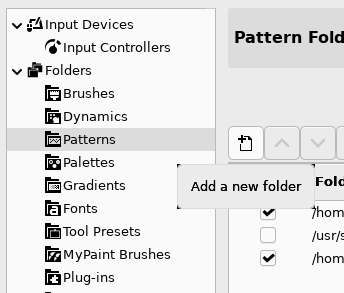
In GIMP, Edit, Preferences, Folders, Patterns
Add the directory with the extracted patterns.
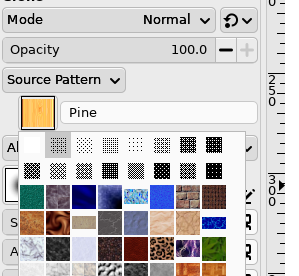
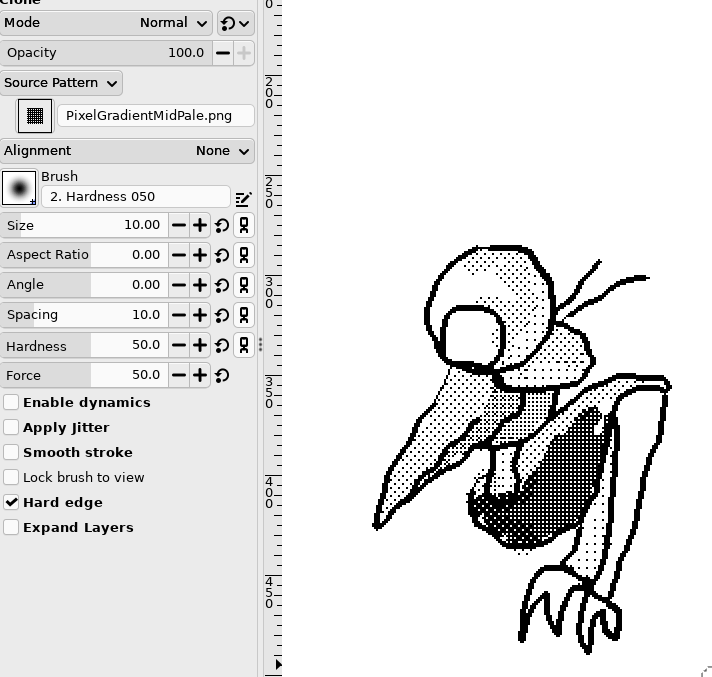
Select the Clone Tool, click Source and select the pattern you want. Make sure to check Hard edge. Draw with the clone tool like you would with a brush.